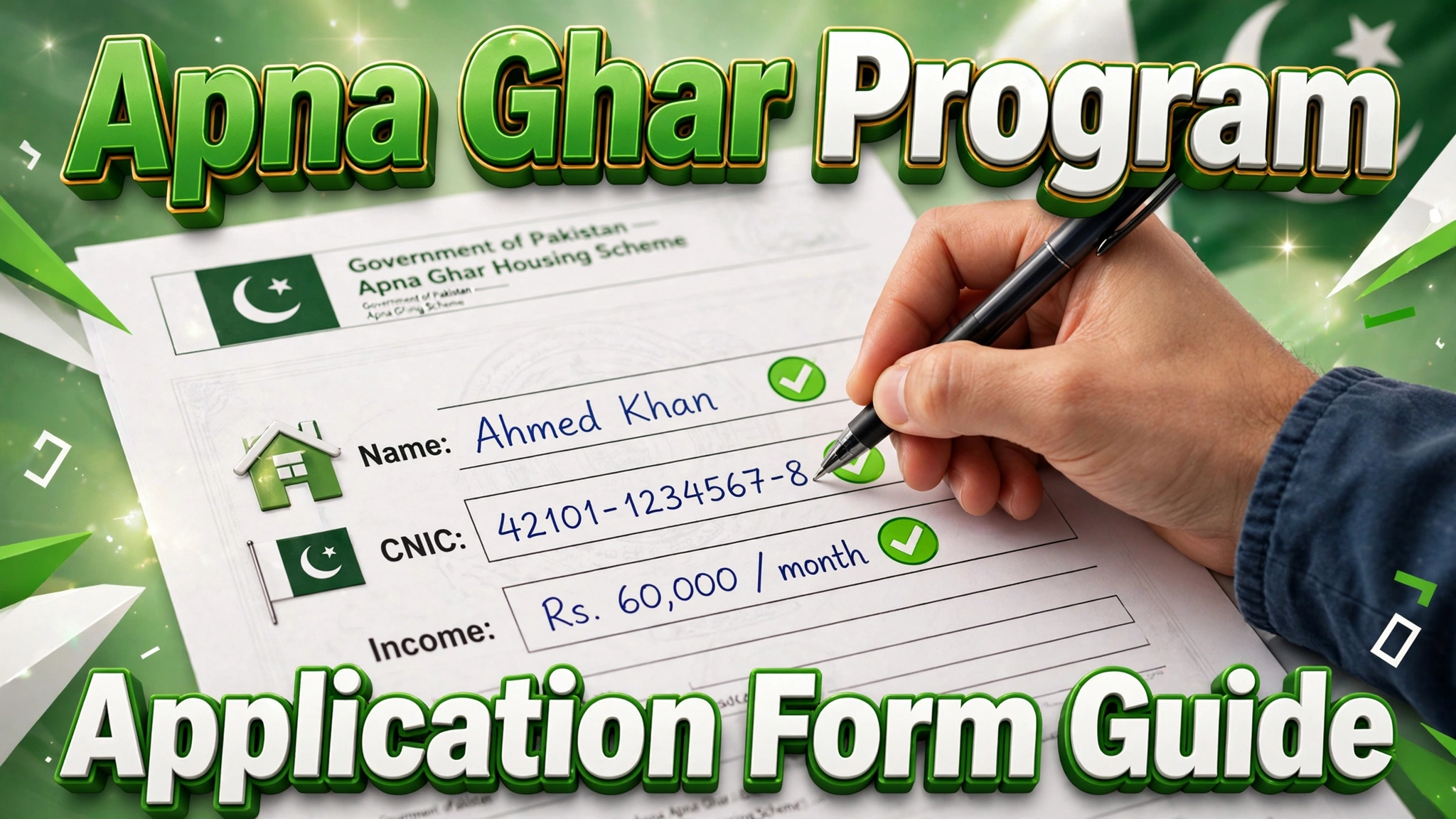
The Apna Ghar Program application form is the first and most important step toward getting your subsidized home loan under the Wazir-e-Azam Apna Ghar Program 2026. A single wrong entry — a misspelled name, a mismatched CNIC digit, or an incorrect income figure — can delay your case for weeks or even get it rejected. In this complete guide, we explain every section of the application form, how to fill each field correctly, which documents to keep ready, the most common mistakes to avoid, and what happens after you submit.
October 2026 Update – Fewer Documents, Faster Processing
Good news for applicants: at a PM-chaired meeting on October 14, 2026, it was announced that the mandatory application documents have been cut from 25 to five, and banks must now process applications within a maximum of 15 working days. The exact list of the five required documents will be notified officially — until then, keep the full document set from the checklist below ready.
What Is the Apna Ghar Program Application Form?
The application form is the official document through which you apply for housing finance under the Apna Ghar Program. It collects your personal details, income and employment information, the type of financing you want (house purchase, plot construction, or plot plus construction), property details, and your preferred bank. The form is filled online through the official portal — there is no need to visit a bank branch just to get the form. For the portal walkthrough, see our online registration guide.
Where to Get the Application Form
- Online (recommended): fill and submit the form directly on the official Apna Ghar Program portal.
- Bank branches: participating banks listed in our banks guide can also assist you with the application process.
Always use the official portal or a participating bank — never trust agents or third-party websites asking for fees to “arrange” your form.
Application Form Sections Explained
The form is divided into the following sections. Here is what each one asks for:
1. Personal Information
Your full name (exactly as on your CNIC), father’s name, CNIC number, date of birth, gender, and marital status. The name and CNIC must match your NADRA record letter by letter.
2. Contact Details
Current residential address, permanent address, mobile number, and email address. Use a mobile number registered in your own name — all SMS updates about your application go to this number.
3. Income and Employment Details
Employment type (salaried, self-employed, or business owner), employer or business name, monthly income, and length of employment. This section determines your repayment capacity, so report honest, verifiable figures.
4. Financing Purpose
Select one: purchase of a ready-built house, construction on your own plot, or purchase of a plot plus construction. Your choice decides which property documents you must attach later.
5. Property Details
For a house purchase: the property address, size, and agreed price. For construction: your plot’s location, size, and ownership details. See our house purchase guide and plot construction guide for what qualifies.
6. Bank Selection
Choose your preferred participating bank from the dropdown. Compare terms first using our banks list.
7. Declaration and Consent
A declaration that all information is true, plus consent for the bank to verify your details with NADRA, your employer, and credit bureaus. Read it before ticking the box — a false declaration is grounds for rejection.
How to Fill the Application Form Correctly
Step 1: Confirm You Are Eligible
Before touching the form, check the eligibility criteria so you do not waste time on an application that cannot succeed.
Step 2: Gather Your Documents First
Keep your CNIC, income proof, and property documents beside you (full list below) so every field can be filled from the source document, not from memory.
Step 3: Create Your Portal Account
Register with your own mobile number and a valid email address. Verify the OTP to activate the account.
Step 4: Fill Each Section Carefully
Work through the sections in order. Copy names, numbers, and addresses exactly as they appear on your official documents.
Step 5: Upload Clear Scanned Documents
Upload legible scans or photos of each required document in the accepted format and size limits shown on the portal.
Step 6: Review Everything Before Submitting
Use the preview screen to re-check every field — especially CNIC digits, mobile number, income figures, and the selected bank.
Step 7: Submit and Save Your Reference Number
After submission, save or screenshot your application reference number. You will need it to track your application status.
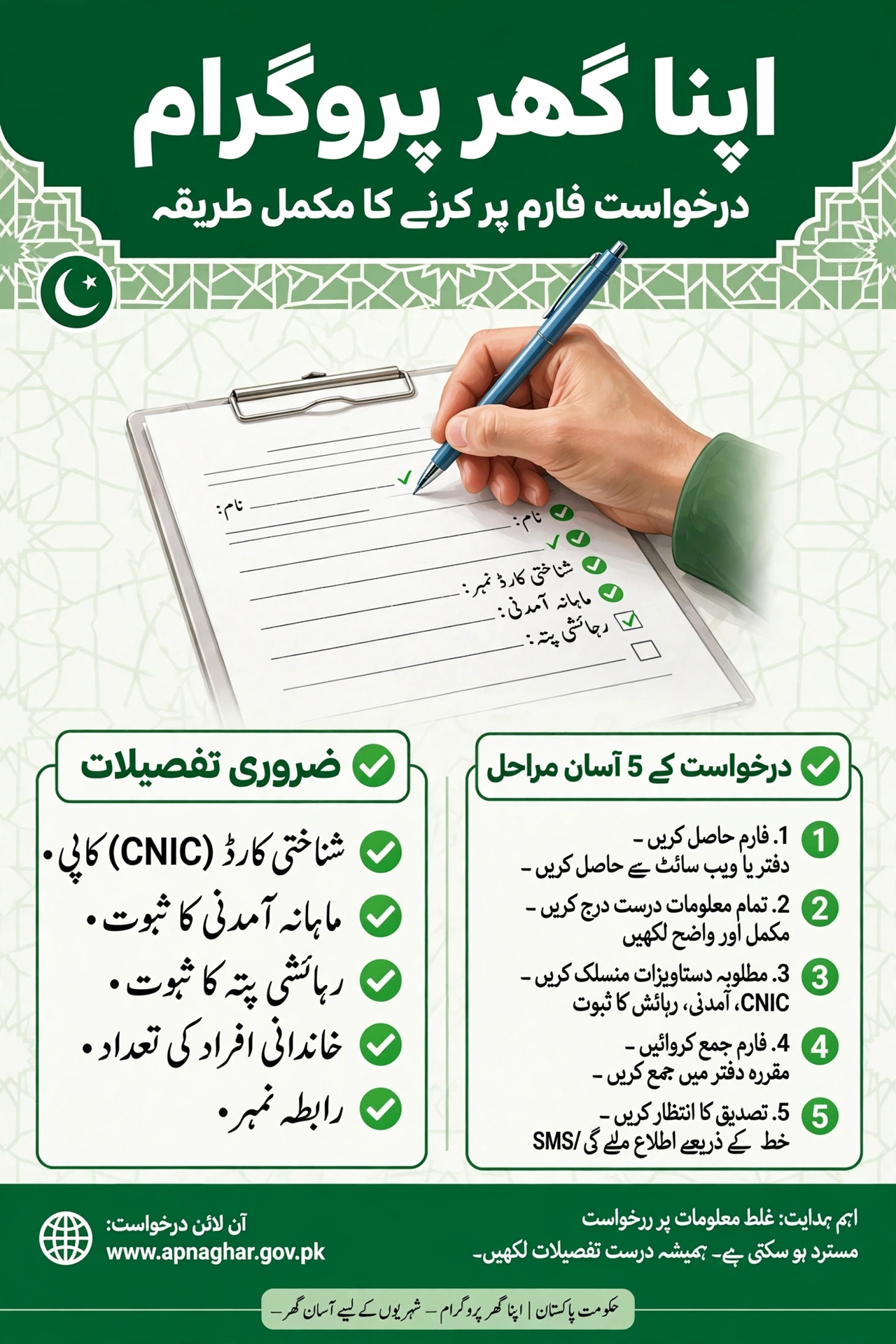
Documents to Keep Ready Before Filling the Form
- Valid CNIC (front and back scanned copies)
- Recent passport-size photograph
- Income proof — salary slips or business income evidence
- Bank statements (usually the last 6 months)
- Property documents — ownership proof for construction, or seller documents and sale agreement for purchase
- Utility bill or address proof
Our documents verification guide explains how to get each document attested and accepted without delays.
Common Mistakes to Avoid When Filling the Form
| Mistake | Why It Causes Problems |
|---|---|
| Name spelling differs from CNIC | NADRA verification fails and the application is returned |
| Wrong CNIC digits | Identity verification fails; case stuck at the first check |
| Someone else’s mobile number | You miss all SMS updates and OTP verifications |
| Inflated income figures | Bank statements contradict the claim; credibility is damaged |
| Selecting the wrong financing purpose | Wrong document checklist; application sent back for correction |
| Blurry document uploads | Verification officers cannot read them; resubmission requested |
| Skipping the final review | Small typos become big delays after submission |
Most of these errors also appear in our rejection reasons guide — worth reading before you submit.
After Submitting the Form – What Happens Next
- Initial screening: the portal checks your form for completeness and basic eligibility.
- Bank review: your selected bank verifies documents, income, and property details.
- Approval and disbursement: on approval, funds are released — in one go for house purchase, or in stages for construction.
Track each stage with our application tracking guide.
FAQs – Apna Ghar Program Application Form
Is the Apna Ghar Program application form available offline?
The primary channel is the online portal. Participating bank branches can also assist you, but the form itself is digital — beware of anyone selling “printed forms” for a fee.
Can I edit the form after submitting it?
Minor corrections are usually possible before bank verification begins, through the portal or your bank. Major changes may require a fresh review — so review carefully before submitting.
What if my name spelling differs between documents?
Get it corrected to match your CNIC first. NADRA verification compares your form entries against the NADRA record, and mismatches cause instant returns.
Do I need to pay any fee to submit the form?
No — the program charges zero processing fees. Anyone demanding payment to submit your form is running a scam.
Can I apply for both house purchase and construction?
You select one financing purpose per application. Choose the option that matches your actual plan and property situation.
How will I know my application was received?
You get an application reference number on submission, plus SMS updates on your registered mobile number at each stage.
What happens if my form is rejected?
You will be told the reason. Fix the issue — usually a document or data error — and you can generally reapply. Our rejection reasons guide covers the common causes.
Final Thoughts
The Apna Ghar Program application form looks long, but it is straightforward if you prepare first: confirm your eligibility, gather your documents, fill every field from the source documents, and review before submitting. Ten careful minutes on the form can save you weeks of corrections later — and bring you one step closer to your own home.