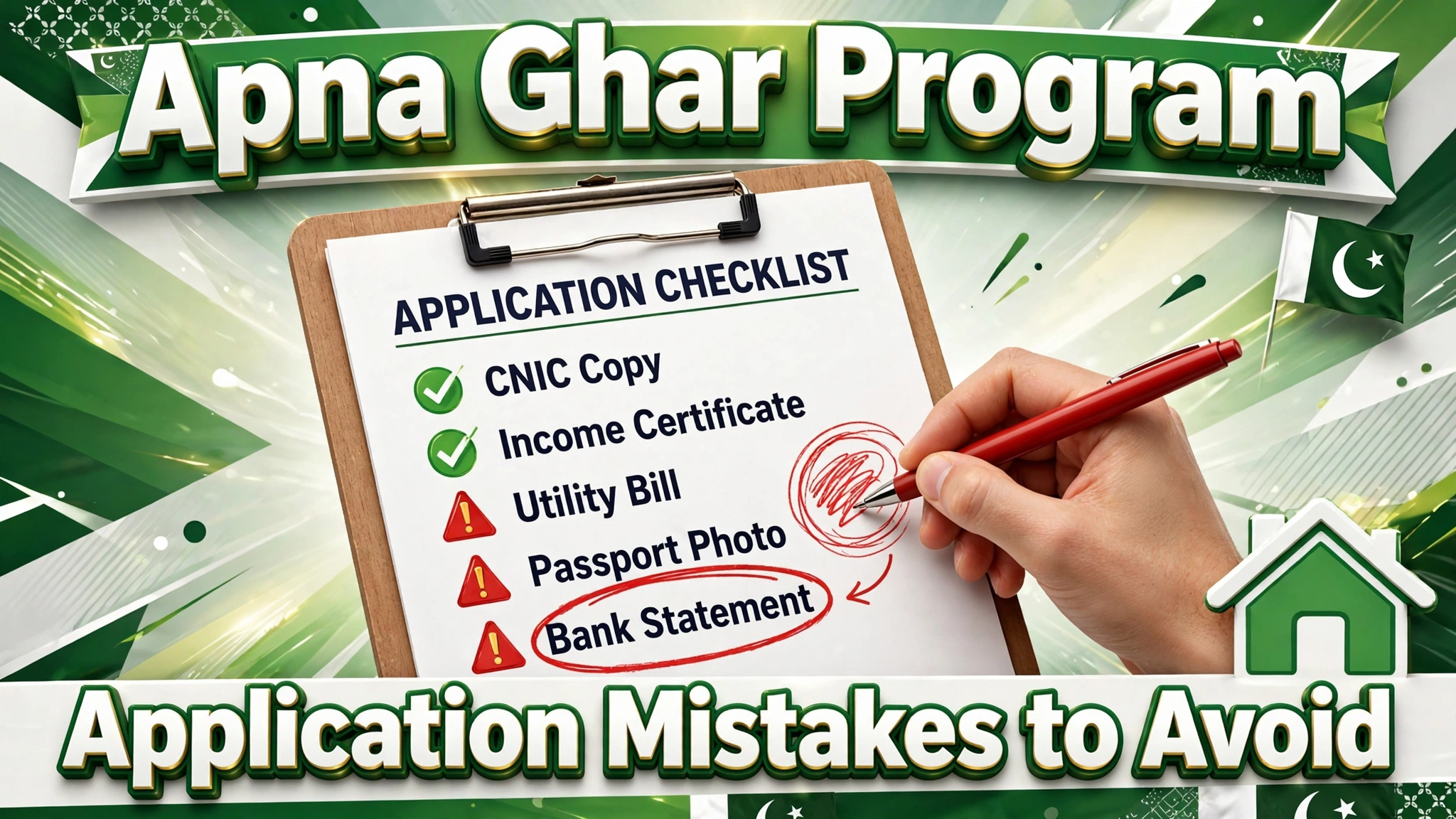
Most Apna Ghar Program rejections are not about eligibility — they are about avoidable errors in the application itself. Learning the common Apna Ghar Program application mistakes and checking everything before submission is the difference between fast approval and months of corrections. In this guide, we list the mistakes applicants make most often, give you a practical pre-submission checklist, explain how to verify each document, what to do if you already submitted with an error, and answer the most common questions.
Why Applications Get Rejected
Banks process thousands of applications, and verification officers look for reasons to flag files, not reasons to pass them. The pattern is consistent: identity mismatches, poor document quality, income inconsistencies, and incomplete forms cause the vast majority of rejections and delays. Our rejection reasons guide covers the outcomes — this guide helps you prevent them before you click submit.
10 Application Mistakes to Check Before Submission
1. Name Spelling Doesn’t Match the CNIC
Even one letter’s difference between your form and your CNIC fails NADRA verification. Copy the spelling exactly from the card.
2. Wrong CNIC Digits
A single mistyped digit in the 13-digit CNIC number invalidates your identity check. Read the number back digit by digit from the card.
3. Expired CNIC
Check the expiry date before applying — an expired card is an instant return. See the CNIC copy requirements guide.
4. Someone Else’s Mobile Number
All OTPs and status SMS go to the registered number. Use a SIM registered in your own name that you actively use.
5. Inflated or Unverifiable Income
Income on the form must match your bank statement and salary slips. Exaggeration destroys credibility when the bank cross-checks.
6. Blurry or Incomplete Document Uploads
Unreadable scans get your file sent back. Every upload should be sharp, complete, and properly oriented.
7. Wrong Financing Purpose Selected
Choosing “house purchase” when you mean “plot construction” (or vice versa) triggers the wrong document checklist and a returned application.
8. Missing Co-Applicant Documents
If you added a co-applicant to strengthen income, their CNIC, income proof, and statement must be complete too — an incomplete co-applicant file holds up the whole case.
9. Property Documents Not Verified
Applying against a property with disputed title or missing registry wastes everyone’s time. Verify ownership before applying, not after.
10. Skipping the Final Review
The preview screen exists for a reason. Applicants who skip it submit typos that take weeks to correct through formal channels.
Pre-Submission Checklist – Things to Verify
| Check Item | How to Verify |
|---|---|
| CNIC valid and copy clear (front + back) | Check expiry date; scan at 300 DPI |
| Name spelling matches CNIC everywhere | Compare form, statement, and property papers |
| Mobile number is yours and active | Send yourself a test SMS/OTP |
| Income matches statement + slips | Cross-check all three figures |
| 6-month bank statement, stamped, no gaps | Review each month’s entries |
| Correct financing purpose selected | Re-read the selection before submitting |
| Property title verified | Check registry/fard for disputes |
| All uploads legible and complete | Open each uploaded file and read it |
| Co-applicant documents complete | Same checks as the main applicant |
| Declaration read and understood | Read it fully before ticking the box |
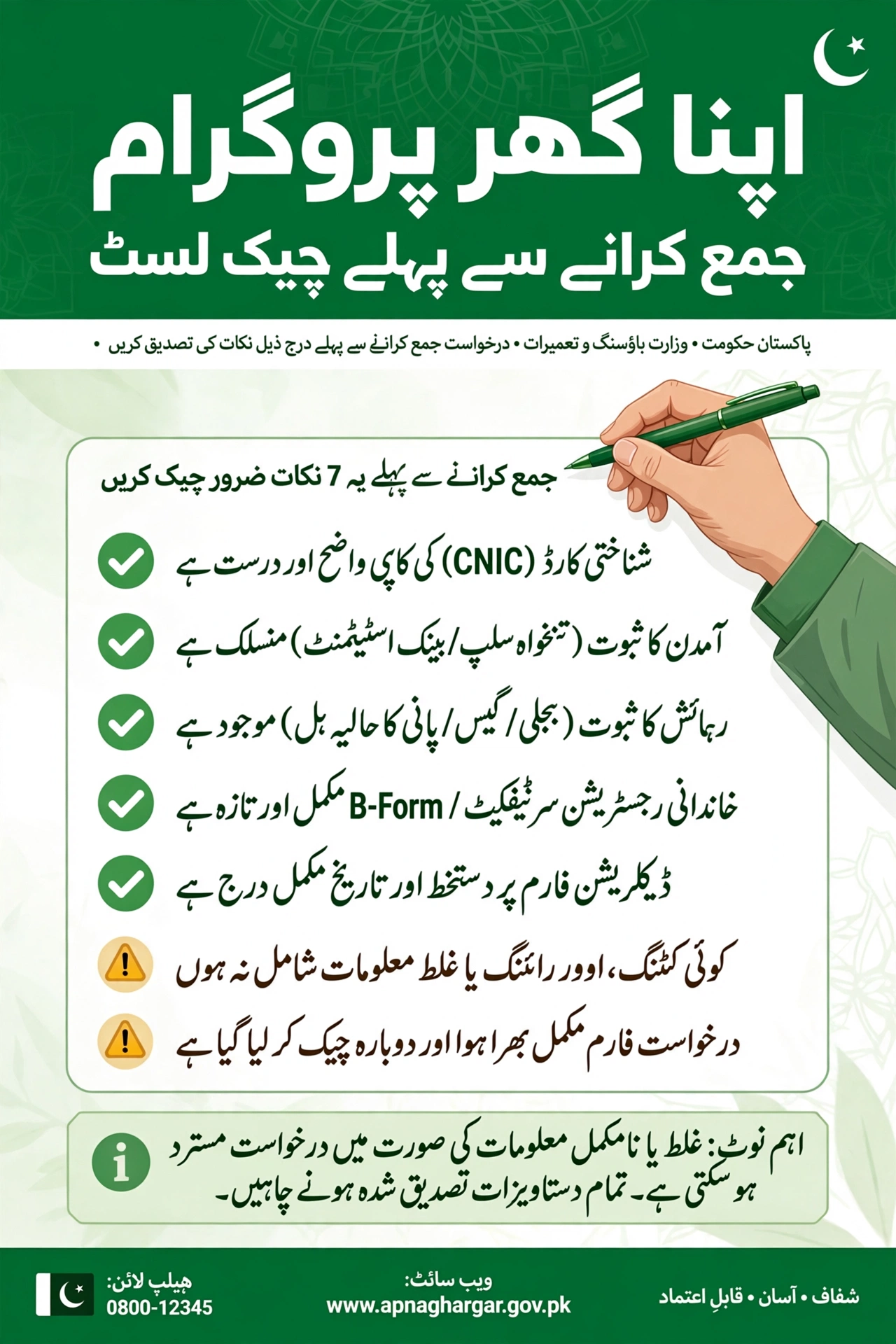
Document Verification Checklist
- CNIC: valid, both sides, legible — see CNIC copy requirements.
- Bank statement: 6 months, stamped, salary visible — see bank statement requirements.
- Income proof: salary slips or business evidence matching the statement.
- Property papers: clear title, no disputes, matching the financing purpose.
- Photographs: recent, passport-size, meeting the portal’s specifications.
- Form sections: every section of the application form filled — no blanks left.
What to Do If You Already Submitted with a Mistake
- Don’t panic: most data errors are correctable before bank verification begins.
- Contact your bank: reach the branch or relationship officer handling your case and explain the error precisely.
- Submit corrections in writing: provide the corrected document or a written correction request so there is a record.
- Track the update: use the application tracking guide to confirm the correction was applied.
- Learn for next time: if the error can’t be fixed mid-process, note exactly what went wrong so a reapplication is clean.
FAQs – Apna Ghar Program Application Mistakes
What is the most common application mistake?
Name or CNIC details not matching NADRA records — it fails the very first automated verification step.
Can I correct a mistake after submitting?
Usually yes, before bank verification begins — contact your bank promptly with the correction in writing.
Will a small typo get my application rejected?
A typo typically causes a return-for-correction (delay), not a final rejection — but repeated errors damage credibility.
How long do corrections take?
Minor corrections are often resolved within days; major ones (like property document issues) can take weeks.
Should I use an agent to fill my form?
No — never pay agents. The form is designed to be filled by applicants, and agents are a common source of errors and fraud.
Can I submit the application twice to fix an error?
Duplicate applications create confusion and can flag your case. Correct the existing application through proper channels instead.
Where can I track my application after submission?
Through the portal using your reference number — see our tracking guide.
Final Thoughts
Avoiding Apna Ghar Program application mistakes comes down to one habit: verify before you submit. Run through the checklist above, open every uploaded file, and read every field once more. Thirty careful minutes now can save you months of corrections — and keep your journey to your own home on track.