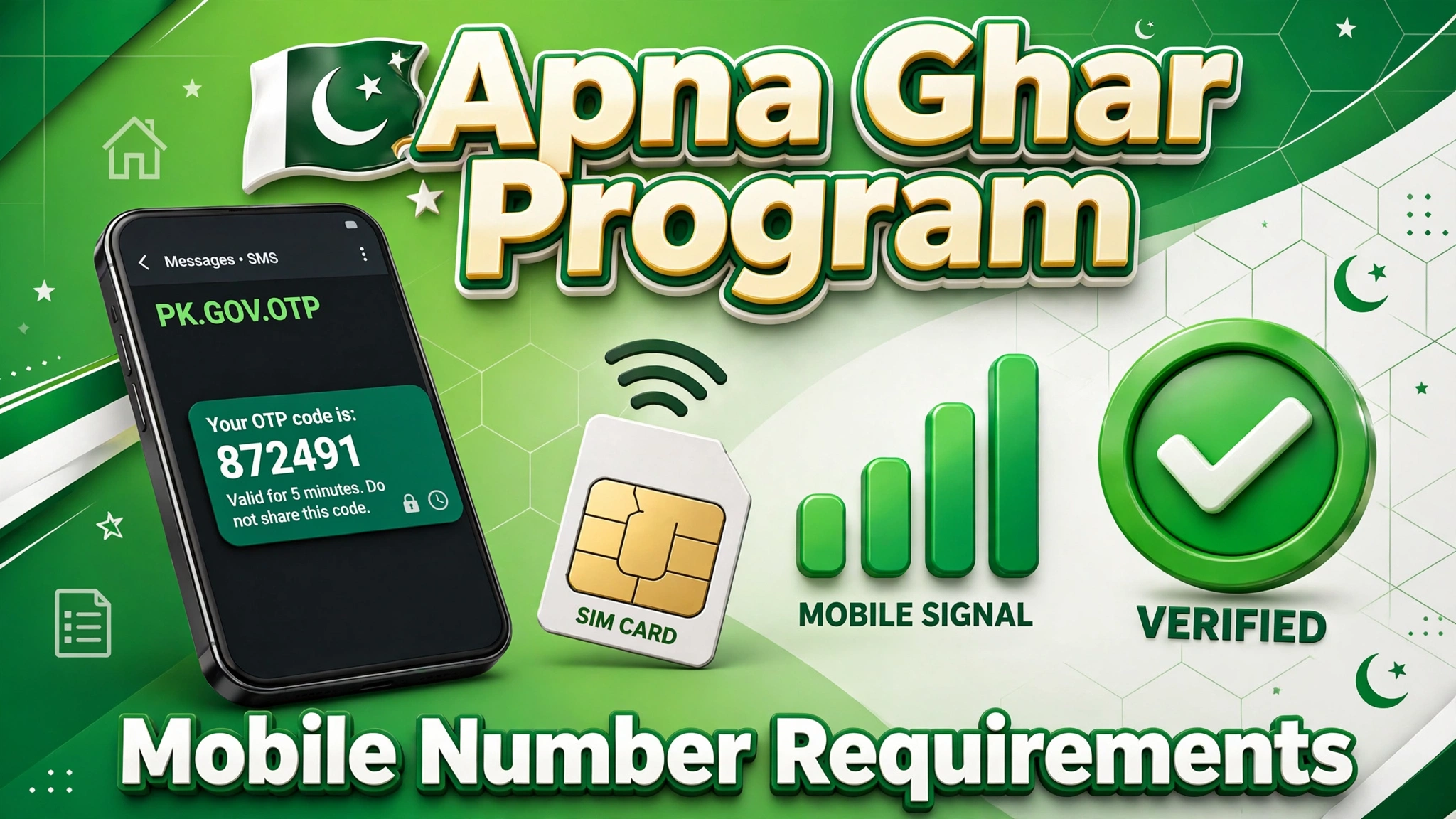
Your mobile number is the key to your entire Apna Ghar Program application — OTPs, status updates, and bank calls all go to it. Understanding the Apna Ghar Program mobile number requirements before you register prevents verification failures and missed updates. In this guide, we explain why your number matters, the exact requirements, how OTP verification works, how to change your registered number, common mistakes, and answers to frequently asked questions.
Why Your Mobile Number Matters So Much
From the moment you register on the portal, your mobile number becomes your identity for the program: account verification OTPs, login codes, password reset codes, application status SMS, and calls from the bank’s verification team. A wrong or inactive number can silently break your application — you might miss a document request and never know. That’s why getting this detail right is covered in our application mistakes guide too.
Mobile Number Requirements
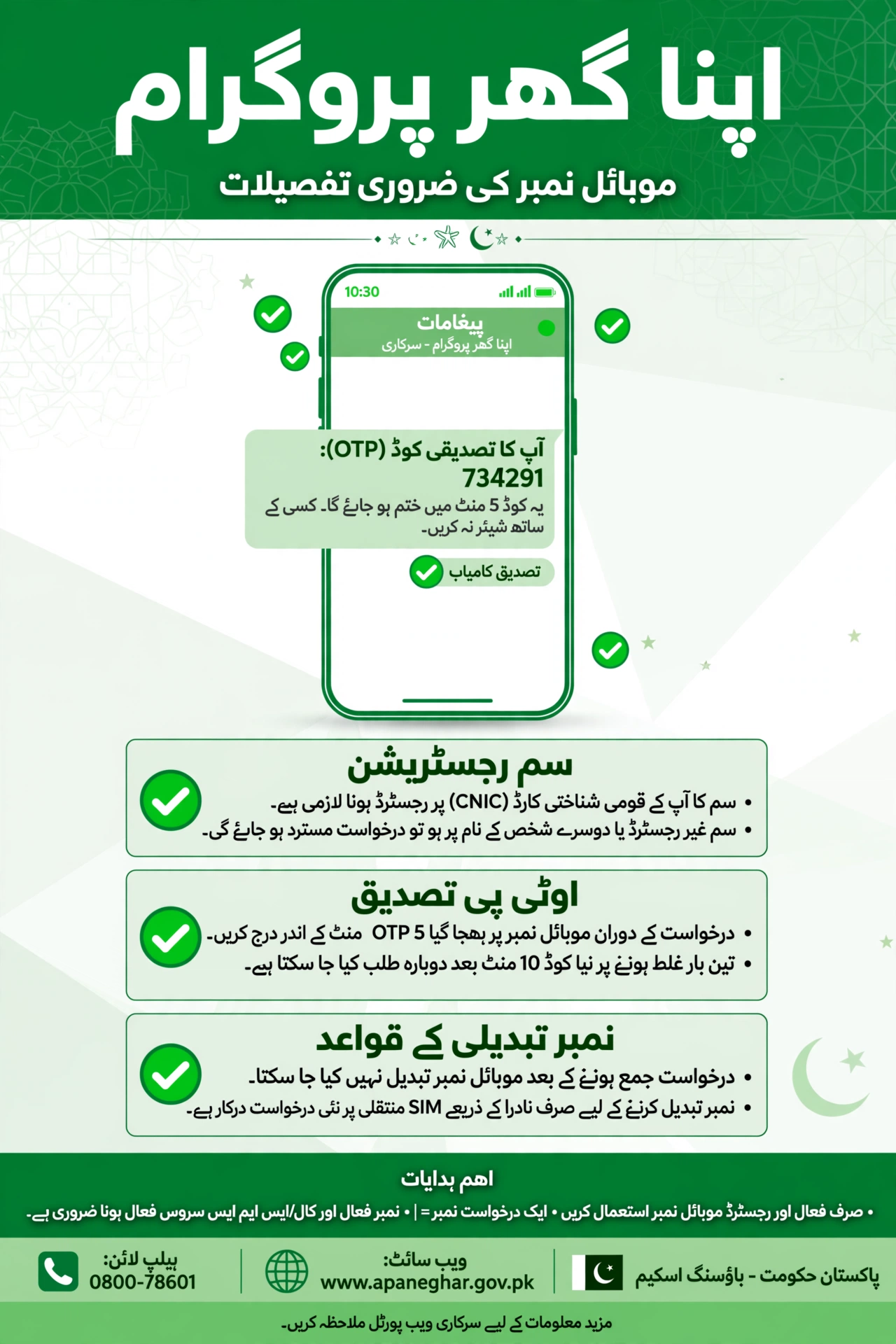
- SIM registered on your own CNIC: the number should be biometric-verified against your own CNIC — numbers registered to someone else cause verification mismatches.
- Active and in use: the SIM must be inserted in a working phone with network signal.
- Able to receive SMS: OTPs arrive by SMS — DND blocks or full inboxes can stop them.
- One number per application: use a single, consistent number across the portal, bank, and all documents.
- Keep it for the full loan journey: you’ll need this number from registration through disbursement — don’t change it casually.
OTP Verification Process
- Enter your mobile number during portal registration.
- An OTP (usually 4–6 digits) is sent to that number within a minute.
- Enter the OTP on the portal within the time limit (typically 5 minutes).
- Your number is verified — the same process repeats for login and password resets.
If the OTP doesn’t arrive, wait 2 minutes, check your signal and SMS inbox, then tap “Resend OTP.” Repeated failures may temporarily block resends — wait 30 minutes before trying again.
How to Change Your Registered Mobile Number
If you’ve lost your SIM or switched numbers, update it through the proper channel:
- Log in to the portal with your current credentials (or use the password reset process if needed).
- Go to Profile / Account Settings and find the mobile number update option.
- Enter the new number — it must be registered on your own CNIC.
- Verify the new number with the OTP sent to it.
- Confirm the change and note that future OTPs and updates will go to the new number.
If you can’t log in at all, contact the helpline or visit your bank branch with your original CNIC for a manual update.
Common Mobile Number Mistakes to Avoid
| Mistake | Why It Causes Problems |
|---|---|
| Using someone else’s number | OTP goes to them; verification identity mismatch |
| SIM not on your CNIC | Biometric verification fails at the bank stage |
| Inactive or blocked SIM | You miss OTPs and status updates silently |
| Changing numbers mid-process without updating | Bank can’t reach you; document requests go unanswered |
| Typo in the registered number | All OTPs go nowhere — application stalls at step one |
FAQs – Apna Ghar Program Mobile Number Requirements
Must the SIM be registered on my own CNIC?
Yes — biometric verification at the bank stage checks this. A SIM on someone else’s CNIC will cause problems.
Can I use the same number for two applications?
Each application should have its own consistent contact number; sharing numbers across applications creates confusion.
What if I lose my registered SIM?
Get a duplicate SIM from your network operator immediately (it’s issued on your CNIC), then update the portal if needed.
Why am I not receiving OTPs?
Common causes: weak signal, DND/SMS blocking, full inbox, or an inactive SIM. Fix these, then resend.
Can I change my number after applying?
Yes, through the portal’s profile settings or with bank/helpline assistance — but verify the new number immediately.
Do I need a smartphone?
No — any phone that receives SMS works. The portal itself can be accessed from any device with a browser.
Will the bank call this number?
Yes — verification calls and SMS updates come to your registered number, so keep it active and answer unknown calls during the process.
Final Thoughts
The Apna Ghar Program mobile number requirements boil down to one rule: one active number, on your own CNIC, kept consistent from registration to disbursement. It’s a small detail with an outsized impact — get it right and every OTP, update, and bank call reaches you without a hitch.