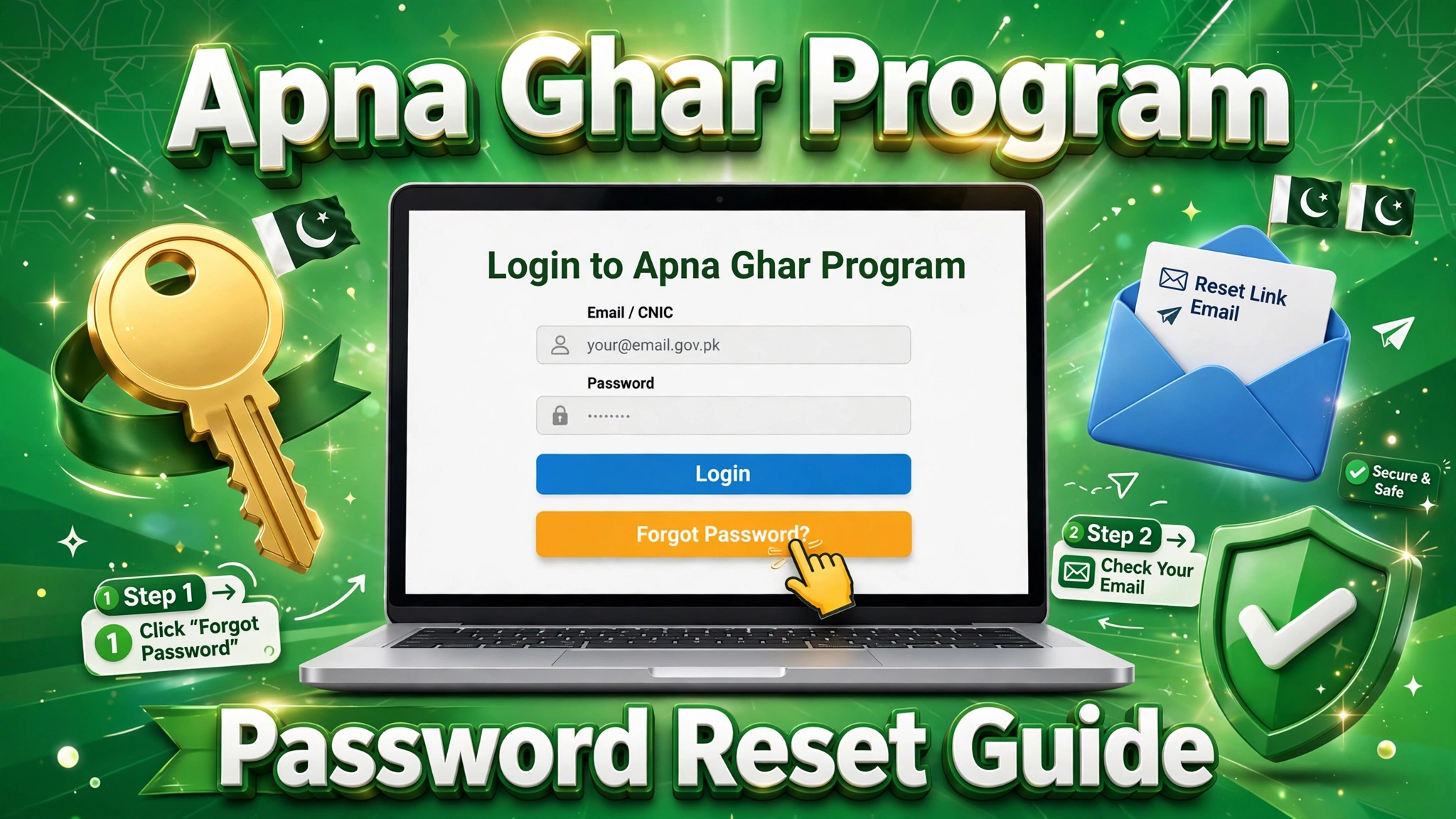
Locked out of your Apna Ghar Program portal account? Don’t panic — the Apna Ghar Program password reset process is simple and takes only a few minutes. Whether you forgot your password, never received the OTP, or want to secure your account, this login help guide walks you through every step: what you need before resetting, the exact reset process, solutions to common problems, account security tips, and answers to frequently asked questions.
When Do You Need a Password Reset?
- You forgot your portal password and can’t log in.
- You never set a password after registration and can’t access your dashboard.
- Your account is locked after too many wrong attempts.
- You suspect someone else knows your password and want to change it.
Your portal account is essential — it’s where you submit the application form and track your application, so regaining access quickly matters.
How to Reset Your Apna Ghar Program Password
- Go to the official portal: open the Apna Ghar Program website and click the Login / Sign In option.
- Click “Forgot Password”: you’ll find this link below the password field on the login page.
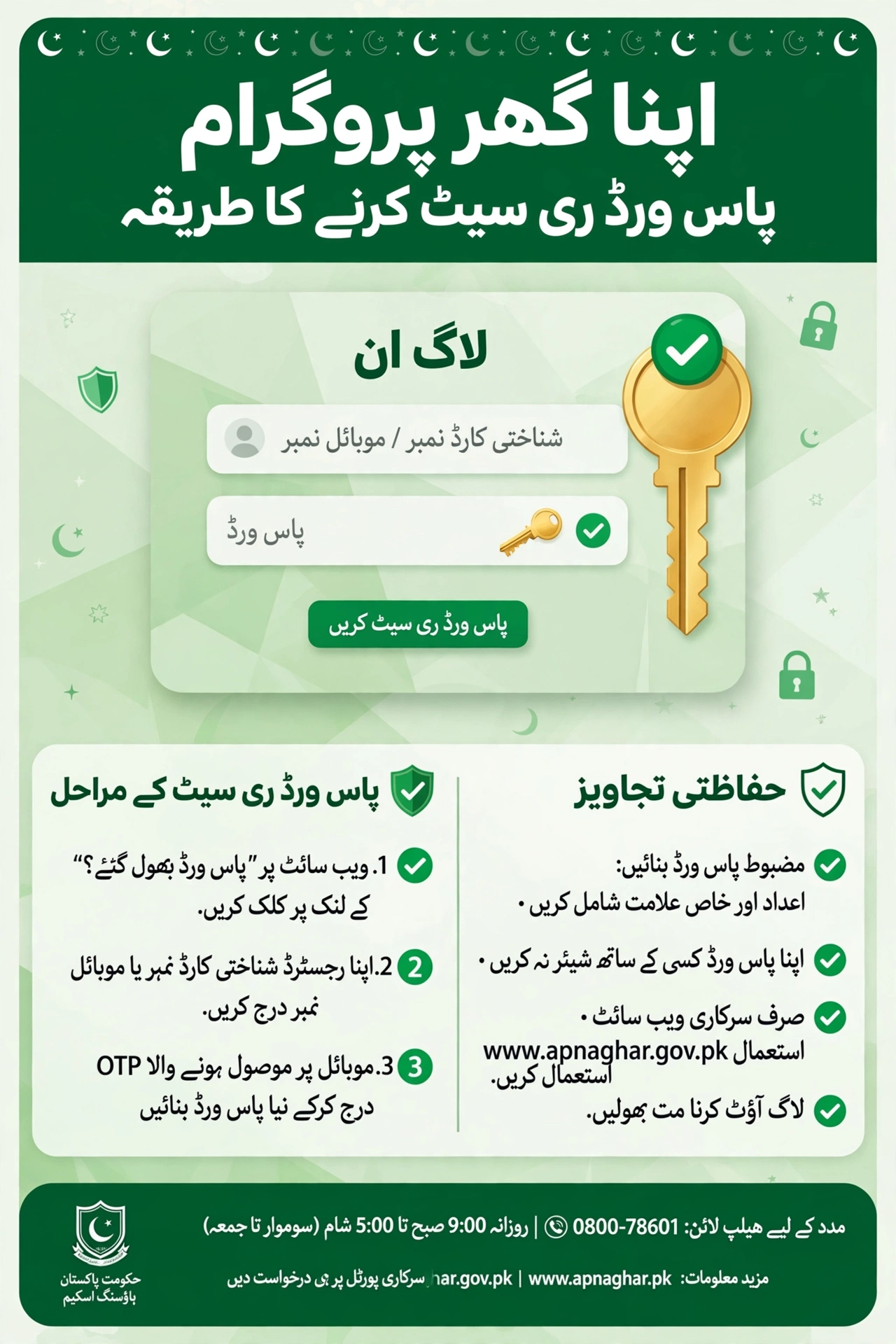
- Enter your registered details: type your CNIC number and the mobile number you registered with.
- Verify with OTP: an OTP (one-time password) will be sent to your registered mobile number — enter it within the time limit.
- Set a new password: choose a strong password (at least 8 characters, mixing letters, numbers, and a symbol).
- Log in again: return to the login page and sign in with your CNIC and the new password.
What You Need Before Resetting
- Your CNIC number — the 13-digit number you registered with.
- Your registered mobile number — it must be active and able to receive SMS (see mobile number requirements).
- Access to your email — if you registered an email, check it too; some portals send the reset link there.
Common Password Reset Problems and Solutions
| Problem | Solution |
|---|---|
| OTP never arrives | Wait 2–3 minutes, check signal, ensure the SIM is in the phone; request a resend |
| “CNIC not found” error | Re-enter digits carefully without dashes; make sure you registered with this CNIC |
| Reset link expired | Links expire quickly — request a fresh one and use it immediately |
| Account locked | Wait 30 minutes before retrying, or contact the helpline |
| Old mobile number lost | You’ll need to update your number first — see the number-change process |
Tips to Keep Your Account Secure
- Use a unique password you don’t use on other websites.
- Never share your OTP with anyone — officials will never ask for it.
- Log out after using the portal on a shared or public computer.
- Beware of fake websites — only use the official portal address.
- Update your password every few months as a precaution.
FAQs – Apna Ghar Program Password Reset
How do I reset my Apna Ghar Program password?
Click “Forgot Password” on the portal login page, enter your CNIC and registered mobile number, verify the OTP, and set a new password.
What if I don’t receive the OTP?
Check your signal, make sure the registered SIM is active in your phone, wait a few minutes, then request the OTP again.
Can I reset my password without my registered mobile number?
It’s difficult — the OTP goes to your registered number. If you’ve lost that number, update your mobile number first through the proper channel.
How long does the reset link stay valid?
Usually only a few minutes — use it immediately after receiving it.
My account is locked. What should I do?
Wait about 30 minutes and try again, or call the official helpline for assistance.
Is there a helpline for login issues?
Yes — the program’s official helpline can guide you through login and password problems.
Can someone else reset the password for me?
No — never share your CNIC, OTP, or login details with anyone, including people claiming to be agents. Reset it yourself on the official portal.
Final Thoughts
The Apna Ghar Program password reset process is designed to be quick: forgot-password link, OTP verification, new password, done. Keep your registered mobile number active, guard your OTP, and you’ll never be locked out of your application for long.